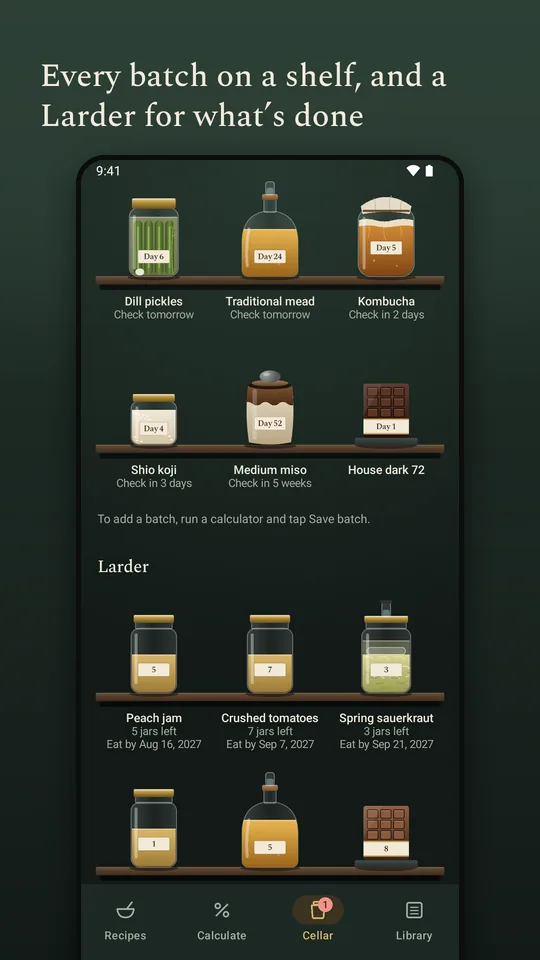
From the first day to the last jar.
- 1
Start somewhere
Nineteen recipes, from sauerkraut and kimchi to miso, garum, mead and dyed wool. Each one fills in its own calculator, with the steps, where they come from and a plan of checks.
- 2
Twelve percent of what?
Recipes give salt against different totals and rarely say which. On 1,000 g meat, 300 g koji and 200 g water, 12% is 120 g, 180 g or 204.5 g of salt. The app shows every basis at once and converts between them.
- 3
Keep the batch
Save a result as a batch and it holds the numbers it was made with, a plan of checks drawn from the sources, reminders that notify you, and a journal of readings, notes and photos.
- 4
Then the larder
When it’s done it moves to the Larder: what’s left, which space it’s kept in, what’s open and who got some. Cultures, spores and rennet are logged as supplies, with their use-by dates.
What it looks like in use.
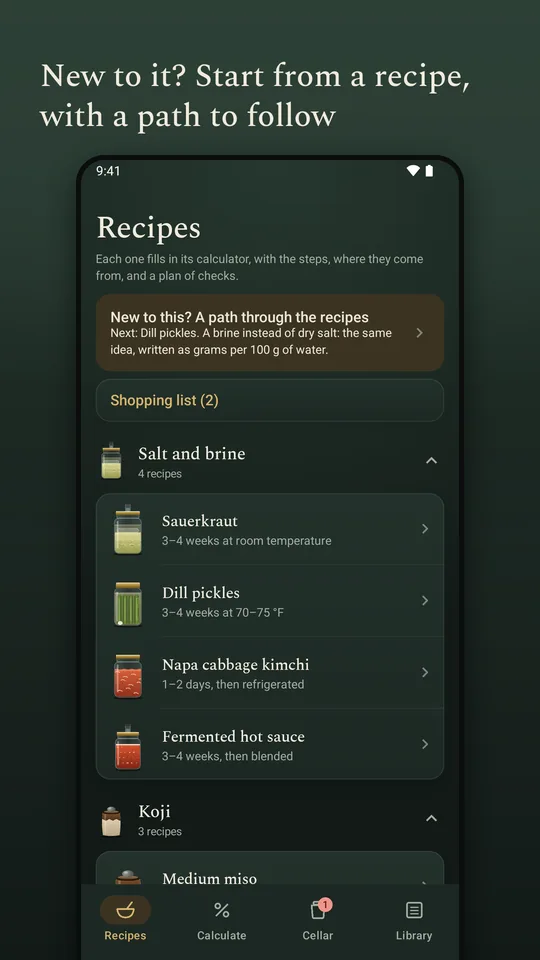
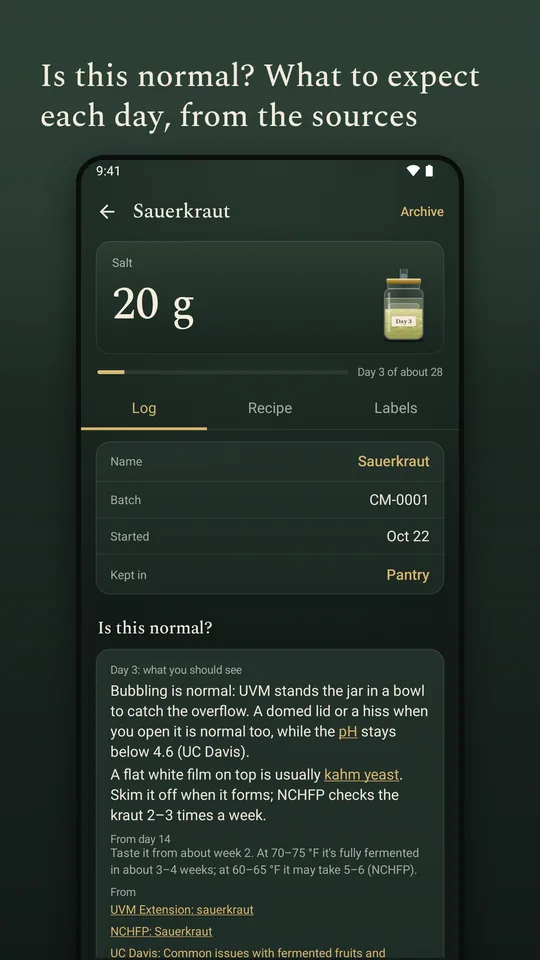
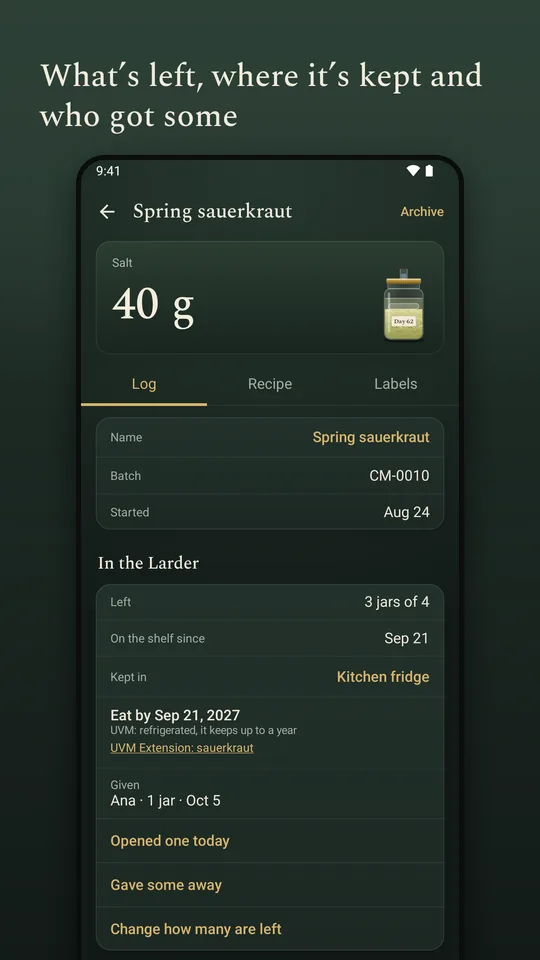
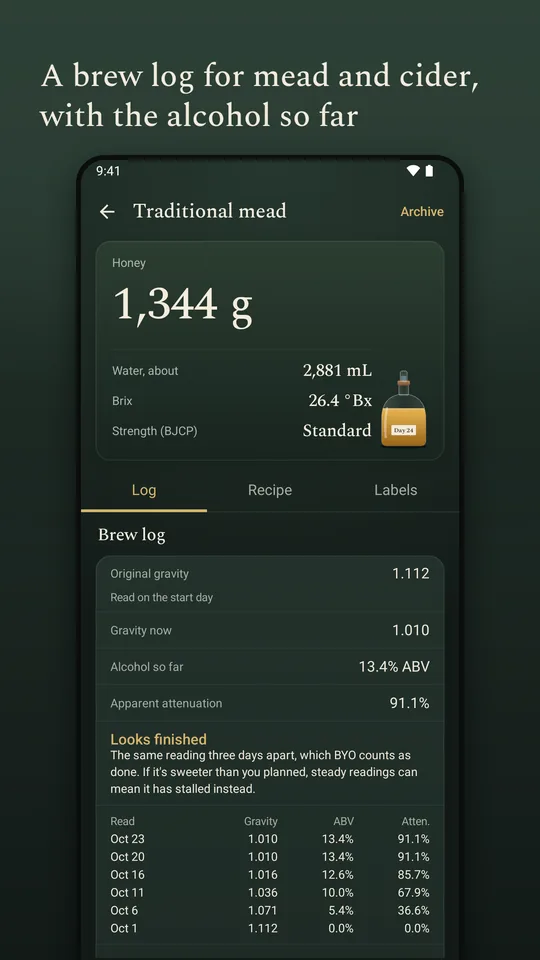
The parts that took the longest.
- Thirty calculators, in nine groupsSalt and brine, koji, vinegar, kombucha, sourdough, mead and cider, bean-to-bar chocolate, natural dye and conversions. Each explains how it works and where its numbers come from. The koji, garum, vinegar-titration and bean-to-bar math had no equivalent on Google Play.
- Batches that outlast the appA miso can sit for three years. Reminders, charts of readings, recipe versions and two batches side by side all run on that timescale, not a week’s.
- Free to make thingsEverything for making things is free, with no limits: batches, recipes, the Larder, charts, your own ingredients and presets, and the melanger run timer. Pro is a one-time $9.99 purchase for labels and selling — label designs, labels of your own for anything from a gift to a sanitizer bottle, Avery sheets with a QR code, product label text, costing and yield planning, and a batch record PDF. There is no trial: each Pro tool works three times free, with no clock.
- Offline, and honest about itNo account, no ads and no tracking; everything stays on the phone. The app checks the arithmetic and compares results with published ranges, and says plainly that it cannot confirm a food is safe.
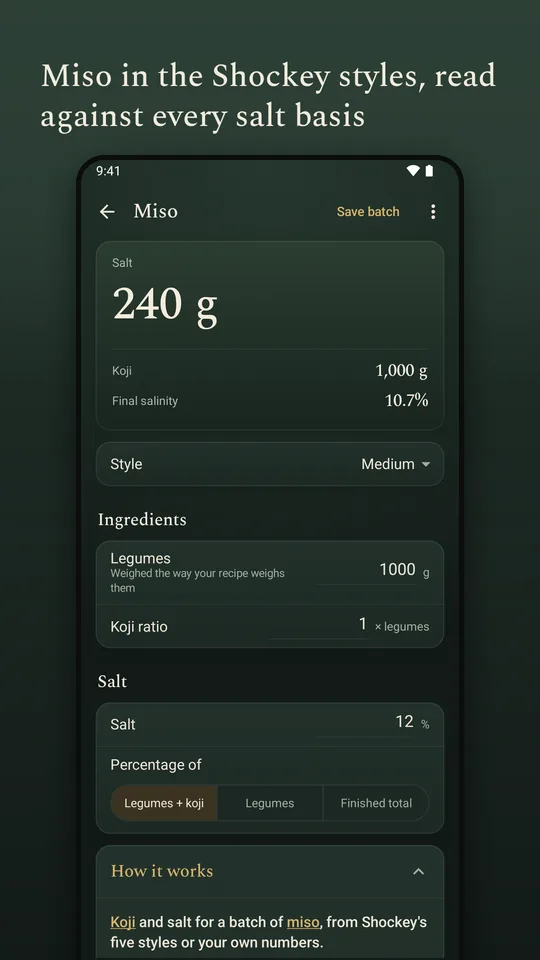
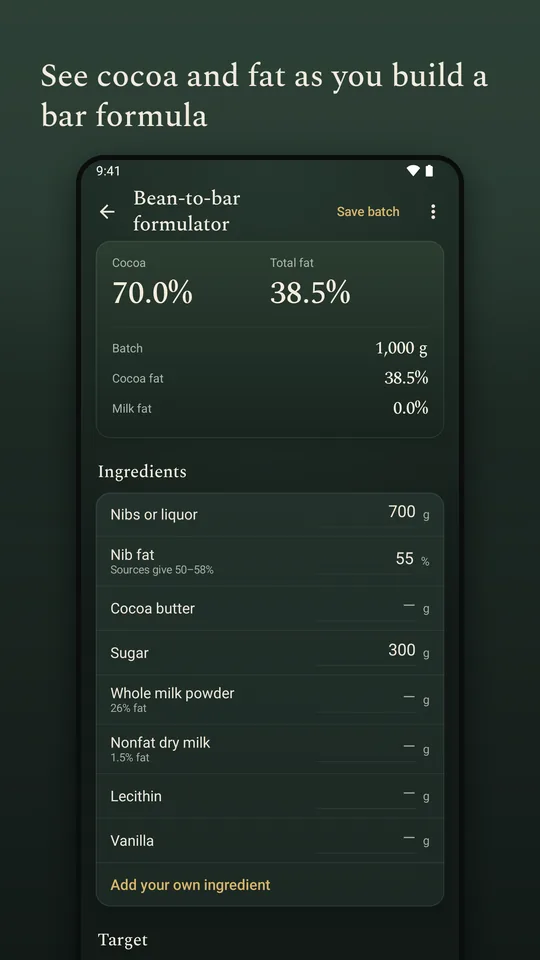
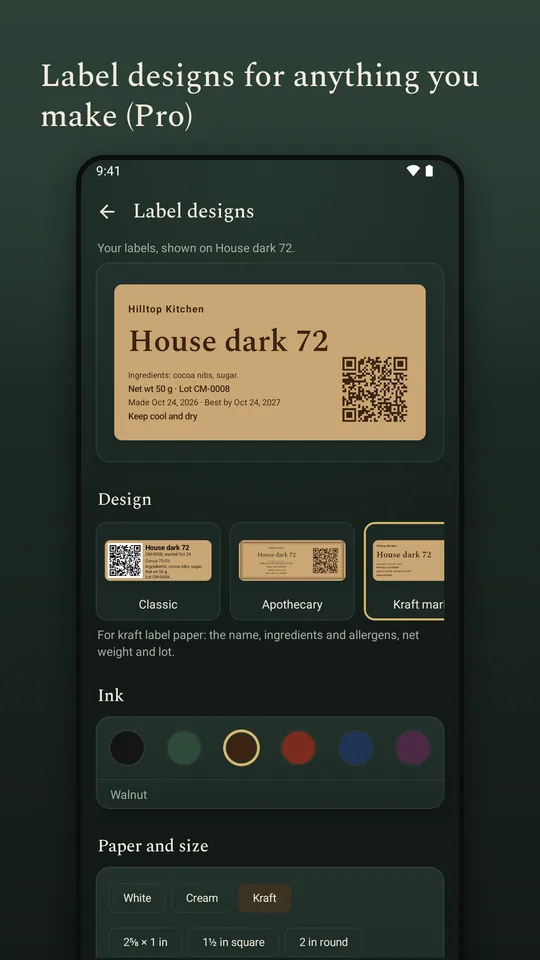
Made to be used in a kitchen.
Hands are wet, the light is bad and the phone is across the room. All of this is free, and none of it is behind Pro.
- Step by step, read aloudEvery built-in recipe can be worked one step at a time in large type, with the screen kept on, and each step can be read aloud by an offline voice. Tap anywhere for the next one, or press a Bluetooth page-turner pedal and keep your hands where they are.
- Theme and symbolsFollow the phone, or pin it light or dark. Switch on Symbols on colors and the places that used color alone get a mark too: a tick on the chosen option, a triangle on a late day in the calendar, a letter on each label ink.
- Changing phonesChange phones without losing a thing: save one backup file and restore it on the new phone, with every batch, recipe and photo, and your label logo. It works on any Android phone that runs Cultured Bench — you move the file across yourself, and nothing syncs.
- Photos, up closePinch or double-tap a journal photo to look closer: up to 4 times by pinching, 2.5 times at the spot you double-tap.
- ReachableText meets WCAG AA contrast in both themes, controls are outlined at 3:1, and touch targets are at least 48 dp — the app is used with one hand, wet fingers and a jar in the other.
Where it stands. 1.5.5 is published to closed testers on Google Play as com.jdcap.cellarmath, ahead of a public release. It was called Cellar Math until November 2026; the Play id keeps the old name, as Play ids are permanent. Privacy policy.